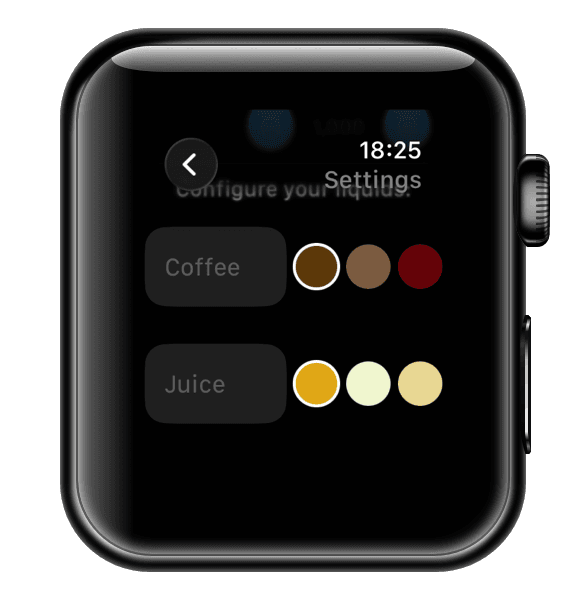
u.drink Settings
Learn how to configure u.drink settings for your needs.
1
Access Settings
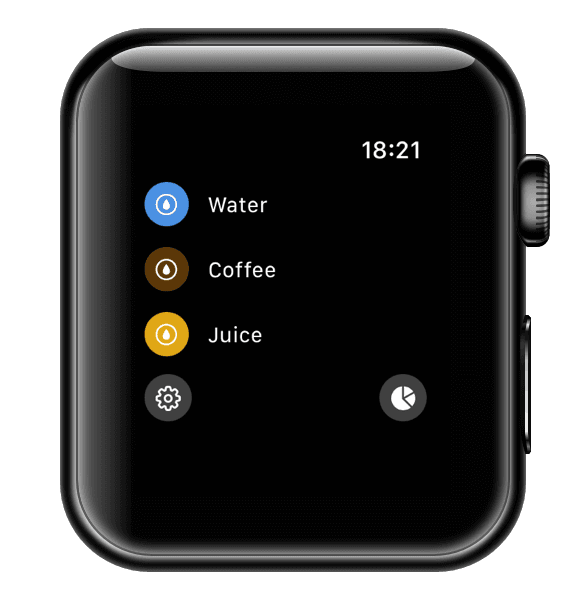
Open u.drink on your Apple Watch and tap on Settings (⚙️) to configure your preferences.
2
Set Your Daily Goal
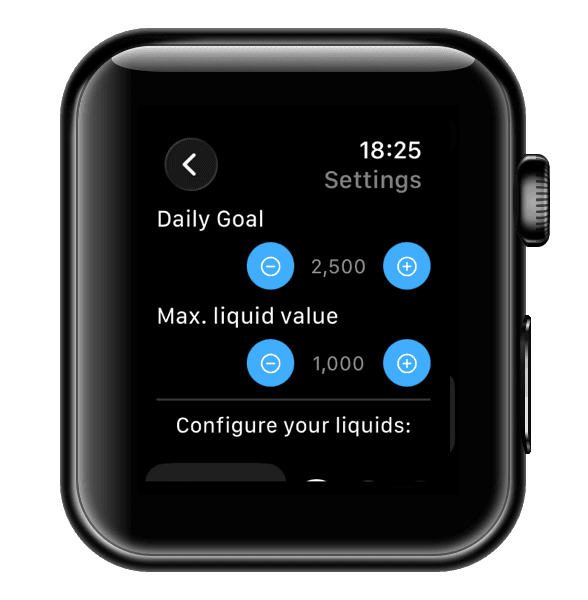
Configure your daily water intake goal based on your personal needs. Tap the +/- buttons to adjust your goal. With the Maximum Amount, you can set the amount per track action (Tip: at 500-600 ml you can best set your amounts).