

Connect u.drink & Health App
Learn how to connect u.drink with your Health app.
1
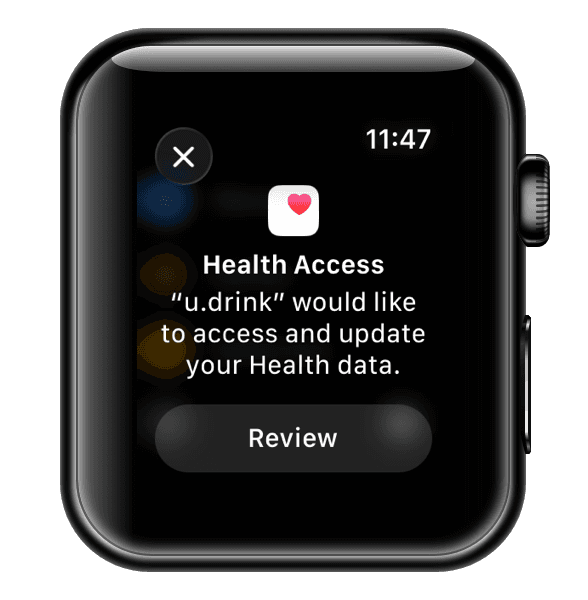
Allow Health Access
After installation of u.drink, the Health app will ask you to allow u.drink to access and write data to it.
2
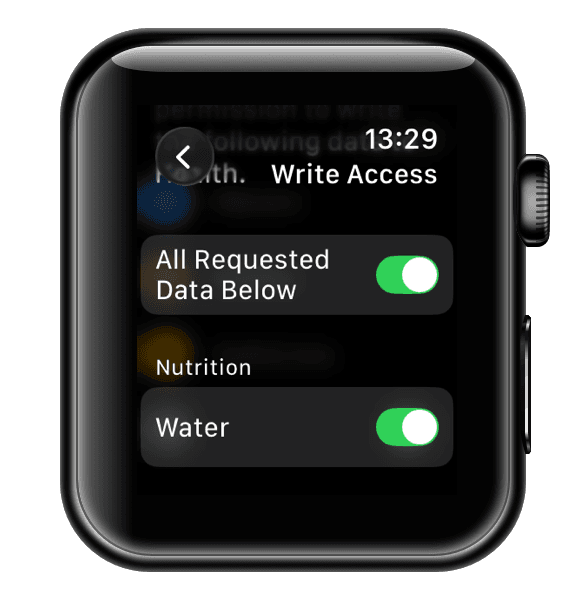
Allow write access to Health Data
You can choose to allow or deny write access to your health data.
3
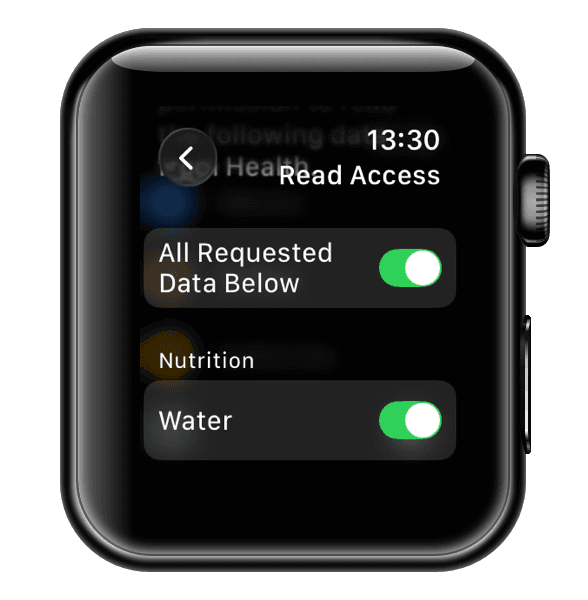
Allow read access to Health Data
You can choose to allow or deny read access to your health data.
4
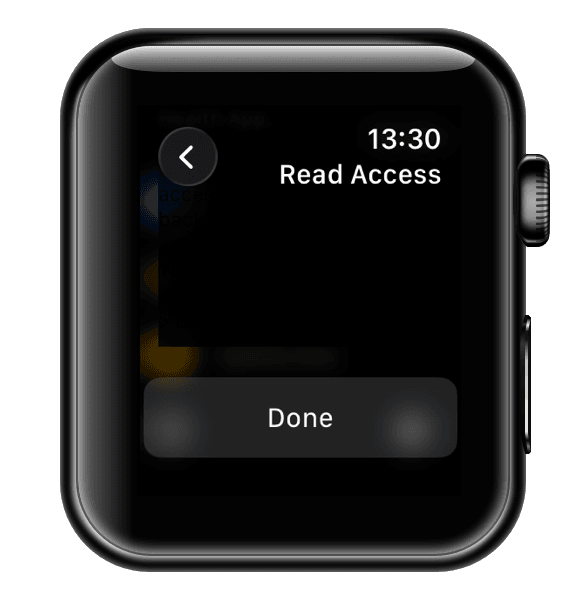
Confirm your choices for Health Data Access
If you allowed access, udrink will be able to read and write your hydration data to the Health app. You might need to add water as a data type in the Health app to see your water intake: Open Health app on your iPhone > Edit Pinned Items > Nutrition > Add Water.